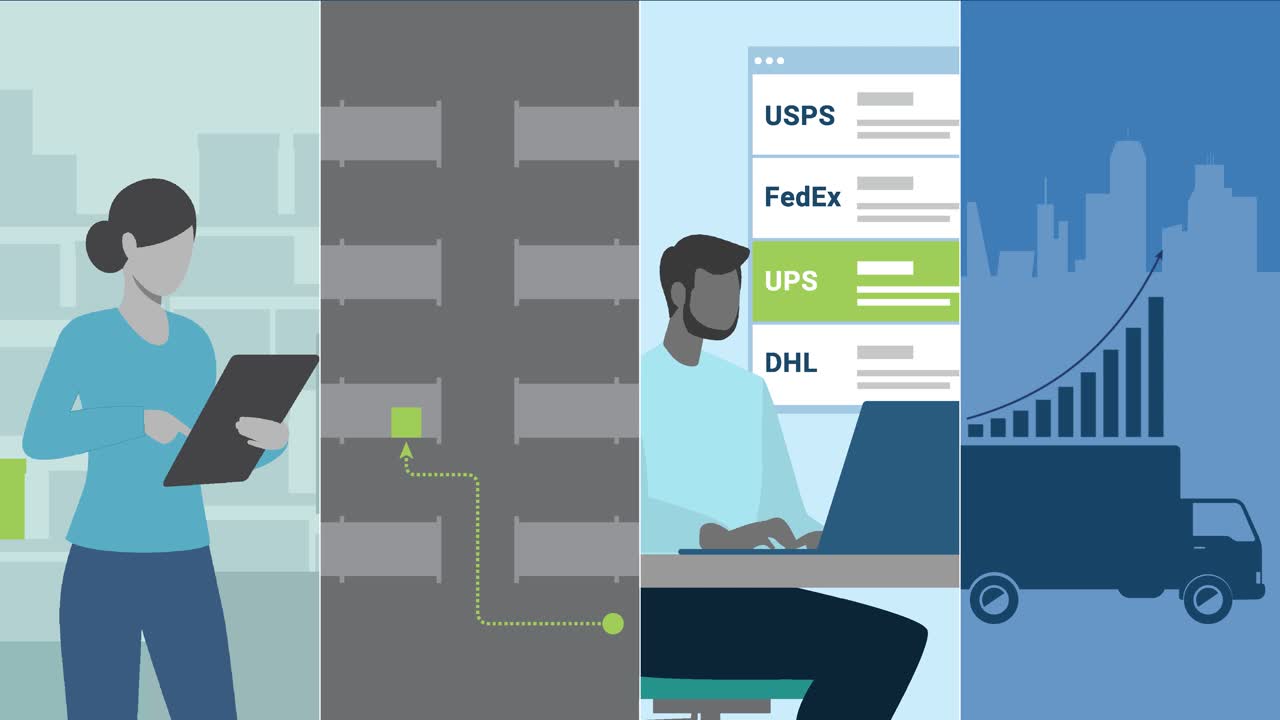
Descartes Shipping for UPS
Fastest Way to Rate, Ship, and Track with UPS

Used by thousands of companies, Descartes Shipping™ Solutions for UPS is the fastest way to rate, ship, and track with UPS. Easily check delivery times and validate addresses to ensure packages arrive exactly where and when they are needed. Descartes Shipping for UPS is UPS Ready certified, and UPS Digital Connections (UDC) program vendor approved.
Descartes Shipping™ Solutions for UPS
Descartes OzLink for UPS Free
Front Office UPS Automation
- Introductory solution to help quote shipping costs accurately and confirm delivery timeframe
- Single transaction processing
- Single package rating
- City/State Validation
FREE
Descartes OzLink for UPS Plus
Gain More Visibility and Control
Easiest way to:
- Rate all UPS services
- Check delivery times
- Validate addresses
- Ensure packages arrive exactly where and when they are needed
Expands on the Free edition to provide:
- Side-by-side published and negotiated rates
- Rate multi-piece shipments
- Street-level address validation
- Full Proof of Delivery
- Excel-based bulk processing
- Shipping from Excel
Starting at $257.25 per year
Descartes OzLink for UPS QVRT
Automated Shipping Rate Visibility and Archiving
- Automated visibility to 3rd party drop-shipped shipment costs before receiving your UPS Bill
- Strategically designed to interact with a standard UPS QVD
- Automatically captured and archived Proof of Delivery for all shipments. Happens automatically everyday; Operates hands-free and automatically
Starting at $1,548
Descartes OzLink for UPS Pro
Fastest way for QuickBooks or NetSuite users to ship UPS packages
- Integrates
- Fastest way for QuickBooks or NetSuite users to ship UPS packages
- Share shipment details in real time with QuickBooks for NetSuite
Starting at $514.50
Descartes ShipRush for UPS
Connect to UPS in minutes
- Select from 90+ sources like Shopify, WooCommerce, eBay, Amazon, Etsy, BigCommerce, Magento, QuickBooks or upload orders via Excel and more
- Easily manage and ship orders, all in one solution
- Intuitive automation rules eliminate time-
Descartes OzLink for UPS Custom
Drive Order Fulfillment Accuracy and Efficiency
- Benefit from real-time UPS Worldship integration with internal systems, tailored to company specific needs
- Advanced integration to all order management and ecommerce applications in the market
- Streamline your shipping operations and automate the UPS fulfillment process


Rick Gemereth, CIO from Lionel Racing
“With Descartes Shipping for UPS we could improve customer choice and lower transportation costs.”
The Descartes for UPS Difference
- Solutions are purpose-built for different customer types, sizes and needs
- Increases productivity and accuracy with seamless integration to UPS, ecommerce, and internal systems
- Reduces shipping costs by leveraging UPS account discounts
- Provides better customer service from rating through package tracking and notifications
- Reduces fulfillment processing time with automated shipping rules

Building an Ecommerce Tech Stack for Fast & Flawless Fulfillment
Content Center
Help yourself to a wide selection of articles, videos, guidebooks, and customer case studies. Decades of knowledge and experience are available that will help you upgrade your overall warehouse knowledge.


Video